
Wondering how to start a wordpress blog? I feel like a grandma saying this, but I’ve had this WordPress blog for almost 16 years. If you are wondering how to start a blog or a content creation career — and whether it can actually become your full-time career? I want to tell you, YES you can. I believe there is space at the table for all of us so this is the start of a series where I’ll be sharing everything I’ve learned about becoming a full time content creator.
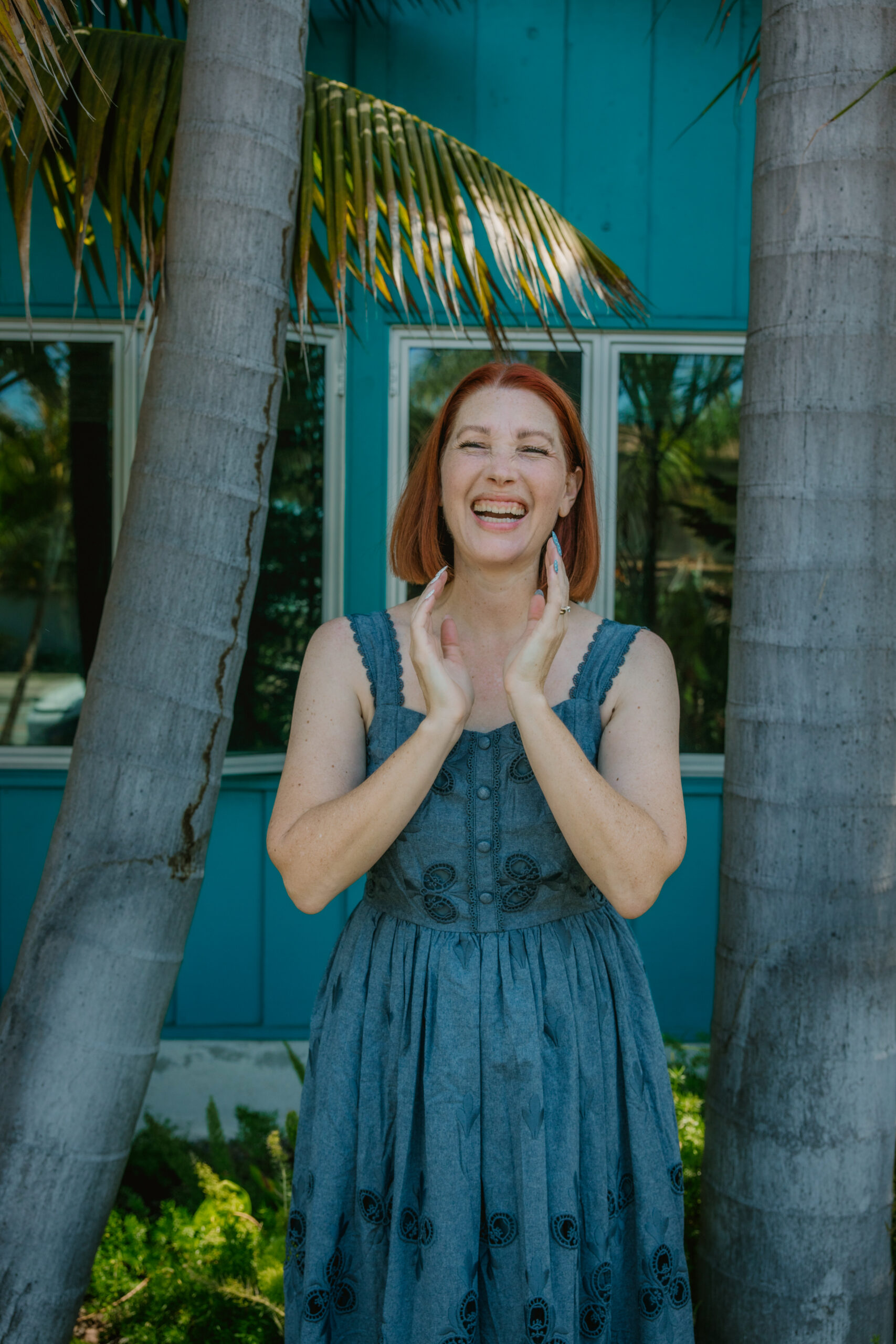
I’m not going to sugarcoat it — blogging (and content creation) takes work. It probably takes more work than you realize. But it’s also one of the most flexible, creative, and genuinely exciting careers out there. Whether you want to work from home, set your own hours, create content you’re passionate about, or build something that you have total control over — starting a blog is one of the best first steps you can take.
So let’s get into it. Here is everything you need to know to start a WordPress blog and use it as the steady foundation for building a full-time content creator career.
Why WordPress? (Seriously, Why Not Something Else?)
When I first started blogging, I had SO many questions about which platform to use. There are a lot of options out there – but if your goal is to become a full-time content creator, WordPress is the best choice, and here’s why:
- You own your content. With WordPress your blog lives on your own hosted site. You will not be worrying about a platform shutting down or evolving in a way you can’t or won’t.
- It’s customizable. If you want a beautiful website that actually looks professional? WordPress + the right theme makes that completely achievable, even if you’re not techy. If you want a website that is specific to a certain niche or theme….you can build that.
- SEO power. WordPress is genuinely one of the best platforms for search engine optimization (SEO). This is one of the most important parts! Google loves WordPress-built sites when they’re set up correctly. Ideally, you want people finding your content for a long time without you ending to continuously promote it.
- It scales with you. From your very first post to a fully monetized content business, WordPress grows alongside your goals. You can easily make changes or additions as needed.
Step 1: Choose Your Blog Niche
Before you pick a domain name or pay for hosting, the first step is to pick a blog niche (what your blog is actually going to be about).
The best niches for full-time content creators combine three things: something you genuinely love talking about, something people are actively searching for, and something that has monetization potential (through ads, affiliate links, brand partnerships, etc.).

Some high-performing blog niches include travel, personal finance, parenting, health and wellness, food and recipes, beauty and fashion, lifestyle, and home decor. You need to pick YOUR niche. The one where your voice, experience, and personality can shine. Niche blogs that feel authentic consistently outperform generic ones. Plus, you’ll be spending a LOT of time talking about this subject. Let’s be sure it’s something you like!
Step 2: Pick a Domain Name
Your domain name is your address on the internet — it’s how people find you. Here are a few tips for choosing a great one:
Keep it short, memorable, and easy to spell. Make sure it reflects your brand or niche. Dot-com is still the gold standard. This is important — check social media handles at the same time, so your name is available across platforms. I have to be honest, I picked a cutesy name years ago and wish I had just used MY NAME.
Step 3: Install WordPress and Choose a Theme
Once your hosting is set up, installing WordPress takes about five minutes. From there, it’s time to make your blog look like you.
A WordPress theme controls the look and layout of your site. There are thousands of free and premium options.
When choosing a theme, look for one that is mobile-responsive,fast-loading, easy to customize, and designed with clean code for SEO. You want your site to look great AND perform well in searches.
Step 4: Write Your First Blog Posts
Here is where the magic starts, friend! Once your site is set up, it’s time to start creating content and blog posts.
For a new blogger aiming to build a full-time content creator career, I suggest starting with a mix of:
Pillar posts — long, detailed guides (like this one!) that target high-volume search keywords. These become the foundation of your SEO strategy and can drive traffic to your site for years. I have one post about overalls that has been driving traffic for YEARS.
Personal/story posts — these are the posts that build your audience’s connection to you. Your voice. Your experiences. Your perspective.
Aim for quality over quantity, especially at the start. A few well-researched, well-written posts will serve you far better than more that are lower quality.
Step 5: Set Up Your SEO (This Is Not Optional!)
If you want your blog to show up in search results you need to set up SEO (Search Engine Optimization).
Install the Rank Math or Yoast SEO plugin on your WordPress site. These tools walk you through optimizing each blog post for your target keywords, readability, metadata, and more. They make the whole SEO process so much easier!
A few simple SEO tips:
- use your primary keyword naturally in your post title, first paragraph, and throughout your content.
- write descriptive meta descriptions for every post.
- Use headers (H2s and H3s) to organize your content.
- Add alt text to your images
- link internally to your other blog posts whenever it makes sense.
Frequently Asked Questions: Starting a WordPress Blog
How much does it cost to start a WordPress blog? You can get started for as little as $3–$10/month for hosting plus the cost of a domain name (usually around $15/year). Many themes are free, and there are free versions of most essential plugins. Your biggest investment early on is your time!
How long does it take to make money from a blog? Most bloggers start seeing their first income within 6–12 months, but building a full-time income typically takes 1–3 years of consistent effort. The bloggers who succeed are the ones who build consistent habits that they can realistically maintain within their schedule.
Do I need to be a tech expert to start a WordPress blog? Not even a little bit! WordPress makes setup incredibly easy, and there are tutorials for literally everything. If you can use a smartphone, you can build a WordPress blog.
Can I blog AND be on social media? Absolutely — and in fact, the two work really well together. Your blog is your long-term asset (hello, Google traffic!), while social media helps you build community and drive short-term traffic. They complement each other beautifully and ideally you can drive people between the two locations.
Starting a WordPress blog is genuinely one of the best decisions I ever made. It’s creative. It’s flexible. It’s challenging in all the right ways. And yes — it became my full time career.
The most important step? Just start. Don’t wait until everything is perfect. Don’t wait until you have the perfect logo or the perfect niche or the perfect posting schedule. Start messy. Start now. Grow as you go.
